Simplify an image for embroidery
Upload a picture and get it back in a few flat thread colors, the way an embroidery machine needs it. See before and after side by side, then download the PNG or stitch it.
Thread is flat color. A machine sews each area in one solid thread, so the soft shading, blur and stray specks in a picture either turn into a mess of tiny stitches or disappear. Simplifying first is what a digitizer does by hand before placing a single stitch.
This tool does that step for you, with the same cleanup BobbinBot runs before every design. It never draws new shapes, and it always shows the original next to the result, with a list of what changed.
Two real examples
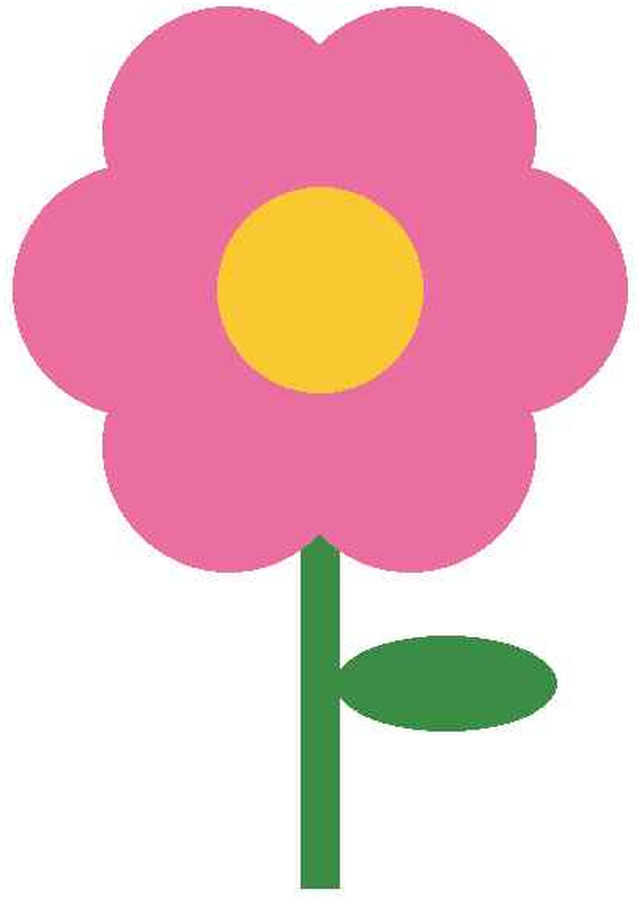
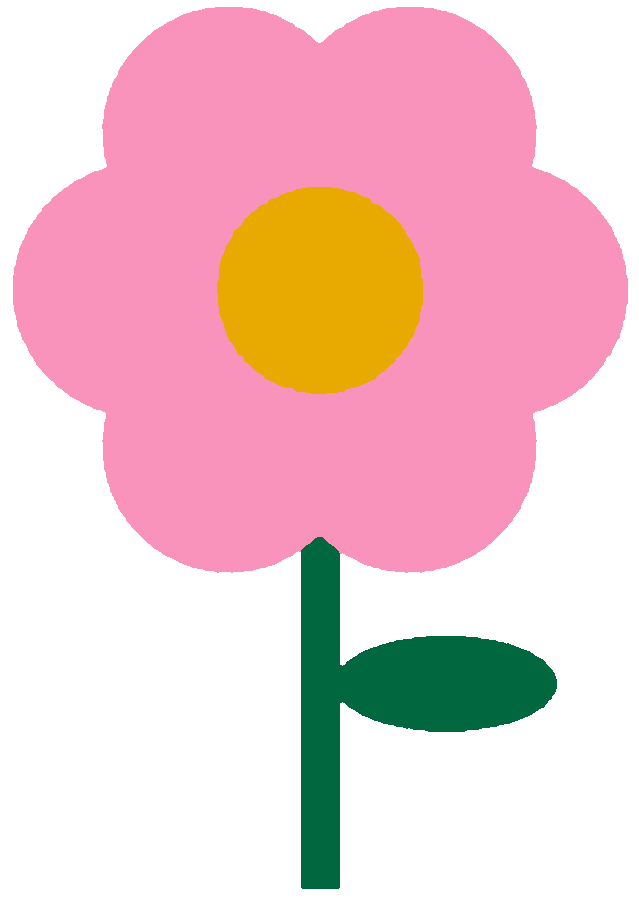
The blocky JPEG edges and off-color specks are gone; three thread colors are left. Threads: Pink, Emerald Green, Deep Gold.
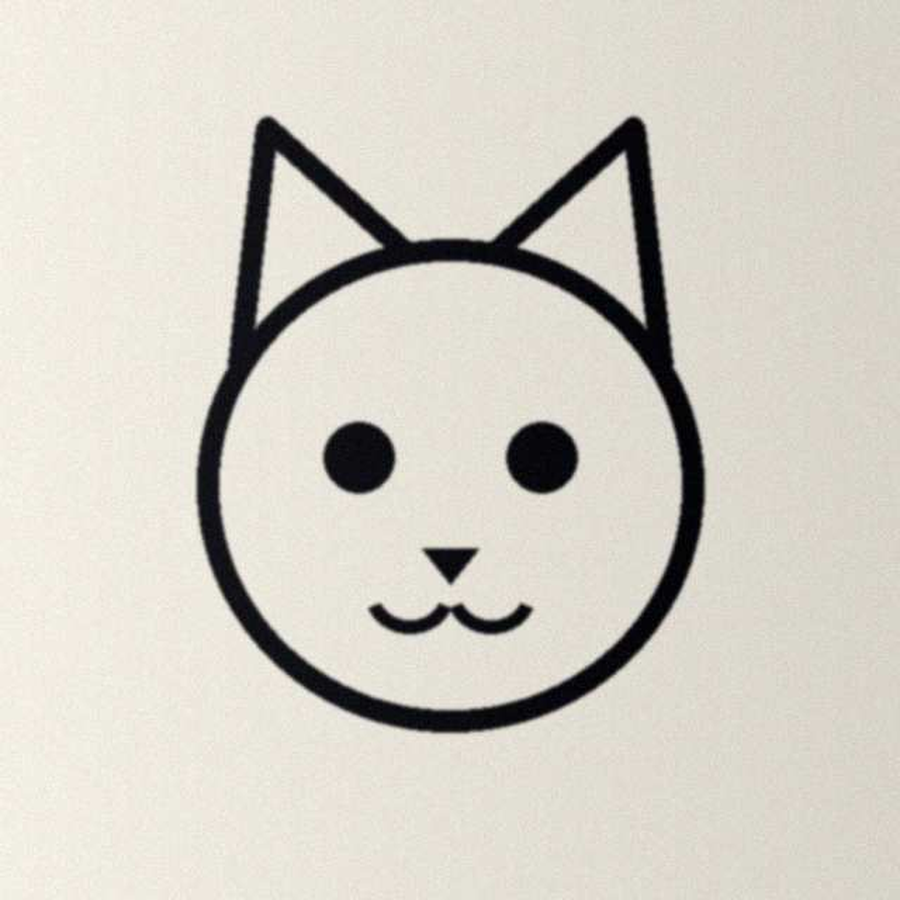

The paper, its texture and the uneven light are gone; the lines are kept in one color. Threads: Black.
Both pictures are our own drawings, run through this tool as it is.
What it changes
- Every pixel takes one of a few colors found in the middle of your shapes, so blurred edges do not become extra threads.
- Each color is matched to a real Brother embroidery thread, which is what a PES file stores.
- Specks smaller than a stitch can hold take the color around them.
- Gaps thinner than a stitch are filled, so a shape does not break into pieces.
- A photo has its subject cut out and its shading flattened.
What it never does
- Draw new shapes, outlines or text that were not in your picture.
- Change your picture without showing you: before and after are always side by side.
- Keep your picture. It is read, simplified and sent back, and nothing is stored.
- Send it to an AI service. The cleanup runs on our own code.
Pictures that simplify well
- Logos, badges and clip art with a few solid colors
- Drawings in marker or paint, photographed straight on
- JPGs that have gone blocky from being saved many times
Pictures that lose a lot
- Photos of faces and busy scenes, where the detail is in the shading
- Watercolors and soft gradients
- Very small pictures, where a shape is only a few pixels wide
From the simplified picture to a stitch file
The result has a button, Stitch this picture, that takes the simplified version straight into BobbinBot's stitch flow, with no second upload. You see the stitches and a green, yellow or red verdict before you pay, and your first design is free.
How a picture becomes an embroidery fileQuestions
What does simplifying an image for embroidery mean?
Reducing it to a few flat colors with clean edges, because thread sews one solid color per area. Shading, blur and tiny specks have to go before a picture can be stitched.
Is this tool free?
Yes. Upload a picture, see before and after, and download the PNG. No account, no card, and nothing is kept.
How many colors will I get?
Up to six, and often fewer. Each color is a real Brother embroidery thread, named under the result, so you know which spools to use.
Does it change my picture's shapes?
It does not draw anything new. It merges specks too small to sew into the color around them and fills gaps thinner than a stitch. Both are listed under the result.
Can I use the simplified PNG in other software?
Yes. It is an ordinary PNG with a clear background, so it opens in any embroidery or drawing program.
What happens with photos?
The subject is cut out of the background and its shading flattened into a few thread colors. A photo loses detail this way, so look at the result before you stitch it.