Can AI digitize embroidery?
By BobbinBot. Published .
Yes, for clean logos and flat artwork: software can turn them into a stitch file in seconds. It still gets smooth gradients, very fine lines and tiny letters wrong, and no automatic tool, ours included, fixes that on its own.
What auto digitizing means
A picture is pixels. An embroidery machine needs needle moves. Digitizing is everything in between: deciding which areas become which stitch, which way the stitches run, how dense they are, what goes underneath, and in what order the colors sew.
Auto digitizing means software makes those decisions for you. Many tools call this AI. BobbinBot's engine does not use a generative AI model. It uses image processing, a tracer that turns colors into outlines, rules we wrote down, and Ink/Stitch, the open-source embroidery program, to write the stitches. That makes every step something we can show you, which is what the rest of this guide does.
If you would rather make every decision yourself, our PNG to DST guide for Ink/Stitch does the same job by hand.
One picture, step by step
Here is our own strawberry drawing going through BobbinBot's engine for a 70 mm wide design on a t-shirt. Every number below is from that run.
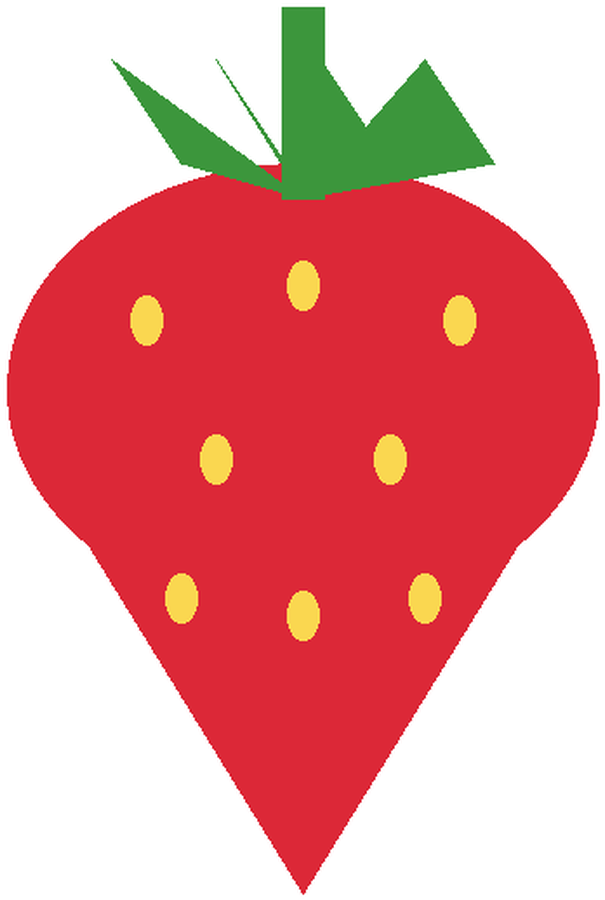
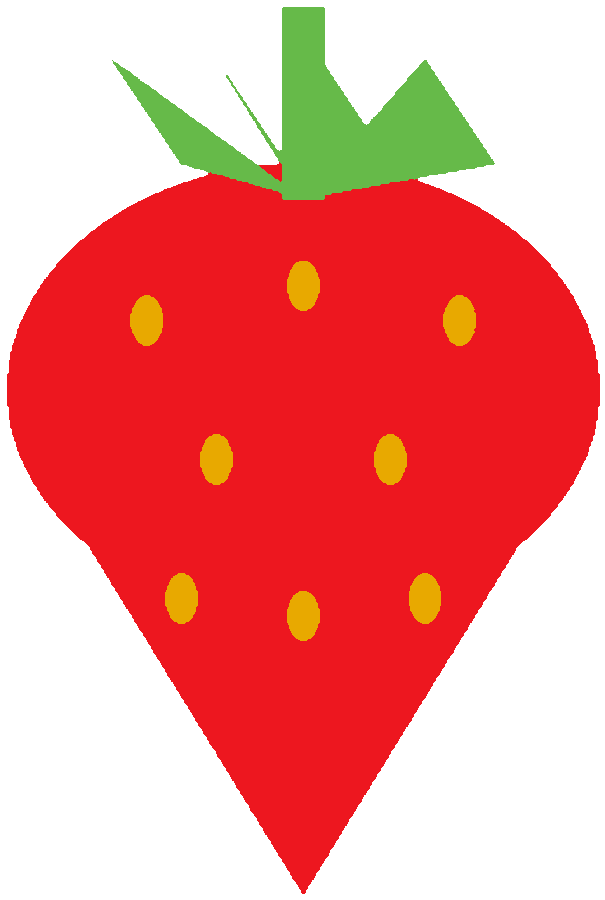
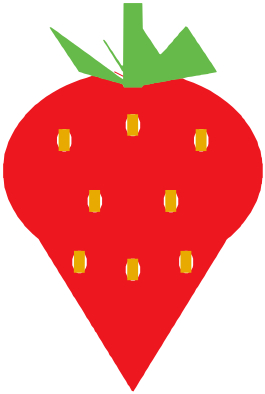
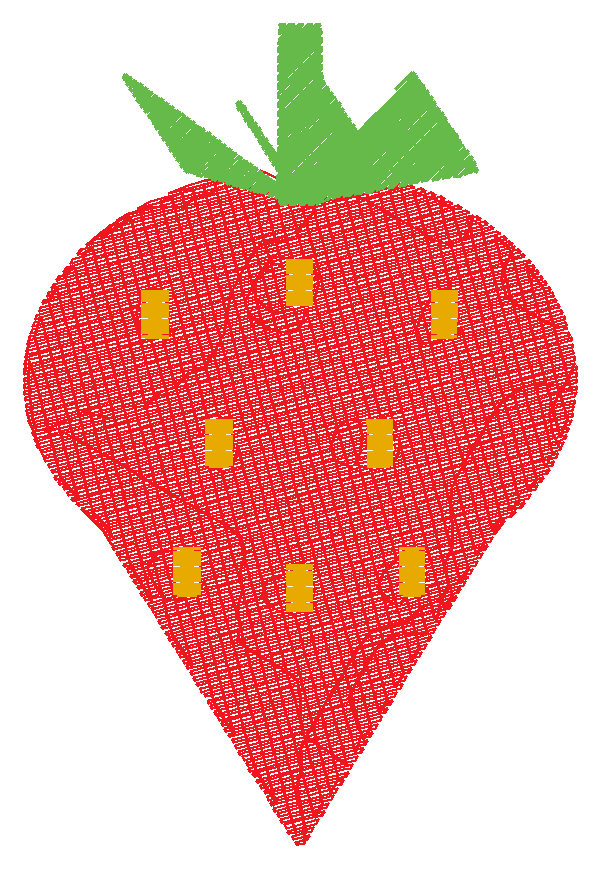
| Step | What the engine does | On this picture |
|---|---|---|
| Read | Resizes the picture to 12 pixels per millimetre of the final design, with the long side capped at 900 pixels (config/thresholds.json). | Trimmed to the drawing and sized for 70 mm; it came out 69 mm wide |
| Clean | Finds the main colors, snaps every pixel to one, merges specks smaller than 1 mm² and fills gaps thinner than a stitch. | 3 colors, 3 specks merged, 1.1 mm² of gaps filled |
| Match threads | Picks the nearest Brother thread for each color. | Red, Deep Gold, Leaf Green |
| Trace | Turns each color area into outlines with vtracer, an open-source tracer. | 11 shapes |
| Choose stitches | Shapes under 1.5 mm wide become a running line, 1.5 to 7 mm get satin, and wider ones a tatami fill (config/thresholds.json). Fabric settings add underlay and pull compensation. | Fill and satin, with knit settings |
| Stitch | Ink/Stitch writes the needle moves, then the engine saves PES, DST, JEF, EXP, VP3 and four more. | 5,288 stitches, 69 × 102.6 mm |
| Check | Looks for stitches too long or too short, crowded spots and gaps, and gives a verdict. | green, 8 out of 10 |
Try it on your own picture
Upload a logo or drawing. You see the cleaned picture, the stitches and the verdict before you pay, and your first design is free.
The settings it uses, and why
The fabric changes the settings, not just the stabilizer. For a t-shirt, which is a knit, the engine sets fill rows 0.4 mm apart, an underlay under each fill with rows 1.4 mm apart and 0.4 mm inside the edge, and 0.2 mm of pull compensation on satin columns, which Ink/Stitch's documentation explains: satin stitches pull the fabric together, so a column sews narrower than it is drawn. These come from config/fabrics.json, and each fabric has its own.
Fill angles change from shape to shape, 15° at a time. Satin columns get a center walk underneath to hold them up. The check then reads the finished file, not our plan for it: the same file you download.
| Fabric | Fill row spacing | Underlay row spacing | Pull compensation |
|---|---|---|---|
| Knit (t-shirt) | 0.4 mm | 1.4 mm | 0.2 mm |
| Pique knit (polo) | 0.42 mm | 1.4 mm | 0.25 mm |
| Fleece (hoodie, beanie) | 0.45 mm | 1.5 mm | 0.3 mm |
| Terry (towel) | 0.45 mm | 1.5 mm | 0.2 mm, plus water-soluble topping |
| Canvas (tote) | 0.4 mm | 1.2 mm | 0.15 mm |
| Heavy woven (denim) | 0.4 mm | 1.2 mm | 0.15 mm |
| Twill or felt (cap, patch) | 0.4 mm | 1.2 mm | 0.1 mm |
Where it goes wrong
Automatic digitizing fails in predictable ways. Here are three of our own test pictures, run through the same engine. We show them because a tool that only shows its best results is not telling you what to expect.

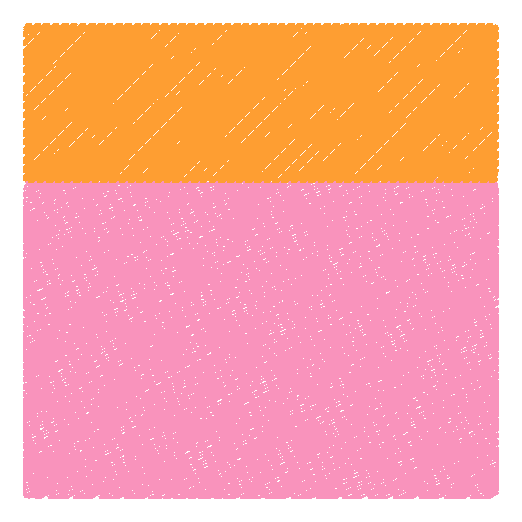
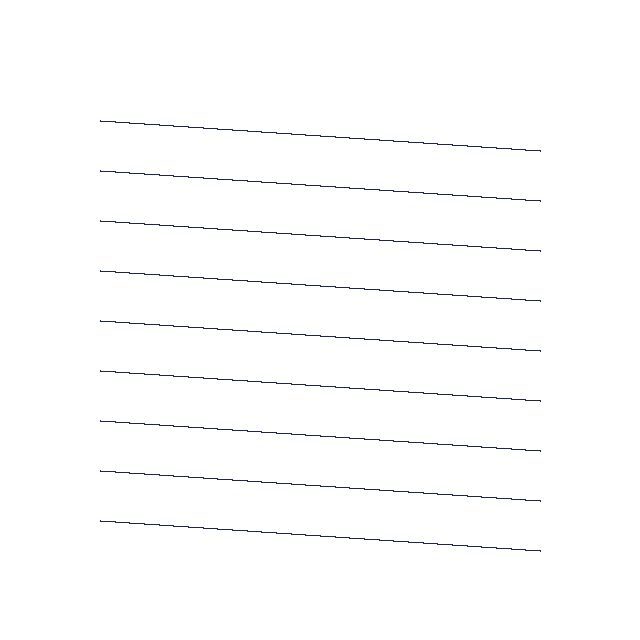

| Picture | Verdict | What happened |
|---|---|---|
| A smooth gradient, 60 mm | green, 10 | Thread is one flat color per area, so the fade became two bands. The file sews cleanly, which is all the verdict checks, but it does not look like the picture. |
| Nine thin lines, 60 mm | red, 3 | The lines are thinner than a stitch at this size, so the cleanup merged most of them away. Only 85 stitches were left. The check said: “The stitches do not cover the shapes.” |
| The name Sam, 4 mm tall | yellow, 8 | The letters stitched and still read as “Sam”, but the check warned: “Letters under 5 mm are hard to sew.” |
The gradient is the important one. A green verdict means the file should sew well. It does not mean the stitches look like your picture, so always look at the preview next to the original. Photos fail the same way, only more: faces and fur are made of shading, and shading is what thread cannot do. To see what your picture keeps before you stitch it, run it through the free simplify tool.
Small letters have their own guide: how small embroidered text can be, with the same name sewn at five heights.
What a person still does better
Our engine follows rules. A good digitizer makes judgments the rules do not cover. Here is what BobbinBot does not do, so you know when to look for a person instead.
- Run stitches with the shape: fur, hair and petals look better when the stitch direction follows them. Our engine turns each fill by 15° from the last, not by what the shape is.
- Edit single stitches. Our files come out as the engine wrote them.
- Make 3D puff, appliqué, sequins or cutwork.
- Redraw a picture: a sketch with rough lines stays rough, because the engine never draws new shapes.
- Tune a design to one shop's machine, needle and thread after a test sew-out.
When auto digitizing is the right tool
If your picture is in the left column, auto digitizing will usually get you a file you can sew today. If it is in the right column, simplify it first, choose a bigger size, or pay a digitizer.
| Works well | Works poorly |
|---|---|
| Logos and badges with a few flat colors | Photos of faces, pets and scenes |
| Clip art and flat drawings | Watercolors and smooth gradients |
| Names and short words from 6 mm tall | Letters under 5 mm and long sentences |
| Shapes at least a few millimetres wide | Hairlines and fine hatching |
Getting a better result from any auto digitizer
- Start from the cleanest version you have: the original logo file, not a screenshot of it.
- Pick the real size first. The same picture at 40 mm and at 100 mm needs different stitches.
- Fewer colors sew better. Merge shades that are nearly the same.
- Look at the stitch preview next to your picture before you pay or sew.
- Open the finished file in a viewer and run it through the checker to catch long jumps and tiny stitches.
- Sew a test on scrap of the same fabric, with the stabilizer you will use.
Questions
Can AI digitize embroidery for free?
Some tools let you try for free; BobbinBot's first design is free, with the stitches and a verdict shown before you pay. Ink/Stitch is free too, but there you digitize by hand.
Can AI digitize a photo for embroidery?
Not well. Photos are made of shading and thread sews flat colors, so a photo turns into a few flat patches and loses most of its detail.
Does BobbinBot use AI?
Not a generative AI model. It uses image processing, an open-source tracer and Ink/Stitch, with checks we wrote down, so every step can be shown.
How long does automatic digitizing take?
Seconds. Our strawberry took 5 seconds on our computer, 2.6 of them in Ink/Stitch writing the stitches.
Is auto digitizing as good as a professional digitizer?
For clean logos and names it can be close. For photos, textures, tiny text and special effects like 3D puff, a skilled person is still better.
What file formats does auto digitizing give me?
That depends on the tool. BobbinBot gives PES, DST, JEF, EXP, VP3, XXX, U01, PEC and TBF in one download. See which format your machine reads.
Why does my auto-digitized design look different from my picture?
Because thread cannot do everything a screen can. Gradients become bands, thin lines vanish and tiny details merge. Check the preview before you sew.
Sources
Related
Turn your picture into a stitch file
Upload a logo, a drawing or a name. You see the stitches and a green, yellow or red verdict before you pay, and every machine format comes in one download.